Migrating a bucket from AWS S3 with rclone
A step-by-step copy of an existing S3 bucket into Wow Magic using rclone: configure both remotes, do a first sync, verify checksums, then cut over your applications.
By Wow Magic team · · 4 min read
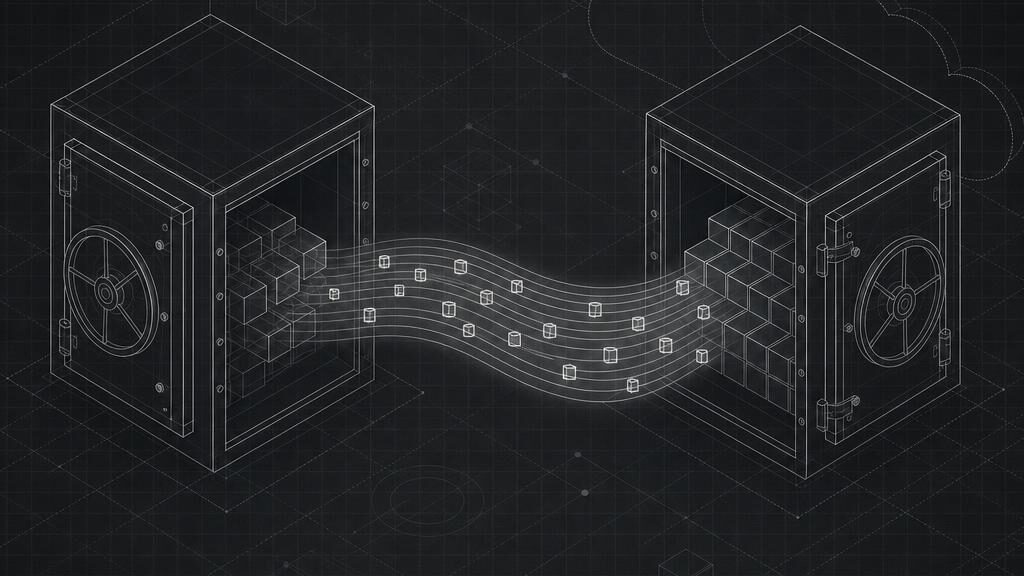
Moving object storage between providers sounds daunting, but because Wow Magic speaks the S3 API the tooling already exists. rclone can talk to both sides, resume interrupted transfers and verify what it copied. This guide walks through a bucket migration from AWS S3 to Wow Magic.
Before you start
You need three things:
- Read access to the source bucket on AWS (an IAM user or role with
s3:ListBucketands3:GetObject). - A Wow Magic bucket in the region you want the data to live in. Create it from the console or with
CreateBucket; the region is chosen once per bucket and the data stays there (see Regions). - A Wow Magic access key, ideally scoped to that one bucket. Keys are created on the Access Keys page and the secret is shown once; the authentication docs cover rotation and scoping.
Install a recent rclone from rclone.org/downloads; distribution packages are often old.
Configure the two remotes
rclone stores remotes in ~/.config/rclone/rclone.conf. Add one for AWS and one for Wow Magic:
[aws]
type = s3
provider = AWS
access_key_id = AKIA...
secret_access_key = ...
region = eu-west-1

[synapse]
type = s3
provider = Other
access_key_id = YOUR_SYNAPSE_ACCESS_KEY
secret_access_key = YOUR_SYNAPSE_SECRET_KEY
endpoint = https://YOUR_SYNAPSE_HOST/s3
region = eu-central-1
force_path_style = true
Two details matter for the Wow Magic remote. The endpoint is a single path-style URL that serves every region, so force_path_style = true is required; and eu-central-1 is the advertised signing region, which the gateway accepts regardless of where your bucket lives. The exact endpoint for your account is printed at the top of the documentation and on the rclone integration page.
Check both remotes before copying anything:
rclone lsd aws:
rclone lsd synapse:
First sync
Run the initial copy with rclone sync. It lists both sides, transfers what is missing and skips objects whose size and modification time already match:
rclone sync aws:source-bucket synapse:target-bucket \
  --transfers 16 --checkers 32 \
  --s3-upload-concurrency 8 --s3-chunk-size 64M \
  --progress --log-file migrate.log
A few notes on the flags:
--transfersand--checkerscontrol parallelism. Wow Magic applies a per-account request rate limit (published on the pricing page under fair use), so if you seeSlowDownresponses, lower these numbers rather than retrying harder.--s3-chunk-size 64Mmatches the gateway's multipart part size, so large objects upload in the fewest round-trips.- Object metadata (
Content-Type, user metadata) is preserved by rclone. Canned ACL headers are accepted by Wow Magic but ignored; access is controlled per bucket instead (access control docs).
For a large bucket, expect the first run to take a while. Because the sync is incremental you can stop it and rerun the same command; nothing already copied is transferred again.
Verify
Once the first sync finishes, compare the two sides. rclone check compares sizes and, where both sides expose them, hashes:
rclone check aws:source-bucket synapse:target-bucket --one-way --size-only
rclone check aws:source-bucket synapse:target-bucket --one-way
Objects uploaded as a single part have an MD5 ETag on both sides and are compared byte-for-byte. Multipart objects have provider-specific ETags, which is why the --size-only pass is also useful. Any differences are listed with the object key so you can re-copy them individually.
Cut over
The safe order is:
- Put the application into read-only mode, or accept that writes made during the last sync window will need a final pass.
- Run the
rclone synccommand once more. This final pass only moves objects that changed since the previous run. - Point the application at Wow Magic: change the endpoint URL, credentials and, if the SDK requires it, set path-style addressing. The AWS SDK and AWS CLI pages show the exact settings.
- Keep the AWS bucket for a few days, then delete it once you are satisfied.
What about egress fees?
Copying data out of AWS is billed by AWS at their internet egress rates; that cost is part of the migration, not a Wow Magic charge. Downloading from Wow Magic is covered by the fair-use egress allowance, a multiple of your stored capacity that is published on the pricing page. We wrote a separate article on what egress actually costs.
Troubleshooting
SignatureDoesNotMatchusually means the endpoint was entered without the/s3path or the key was created before the S3 gateway launched; those keys are marked Needs rotation on the Access Keys page.NoSuchBucketon the Wow Magic side means the bucket name does not exist yet; bucket names are global across the platform, so pick a specific one.- Slow listings on very large prefixes: add
--fast-listso rclone fetches the listing in fewer, larger pages.
If you get stuck, the contact page reaches support directly.